
Appearance
Time Tracking Pilot Program
Purpose
We're running a 4-week (approximate) pilot to understand how travel advisors spend their time across the trip lifecycle. The goal is to identify bottlenecks, measure efficiency, and make data-driven decisions to improve our processes.
Program Overview
| Detail | Info |
|---|---|
| Duration | 4 weeks (or until completion of 25 completions) |
| Participants | 5 travel advisors |
| Goal per advisor | Track 5 trips end-to-end |
| Tool | Time Tracker web app |
What is the Time Tracker?
Time Tracker is a lightweight web app built for travel advisors to log how they spend their time across the trip lifecycle. It captures activity-level data, not just total hours, so the team can understand where time goes at a granular level.
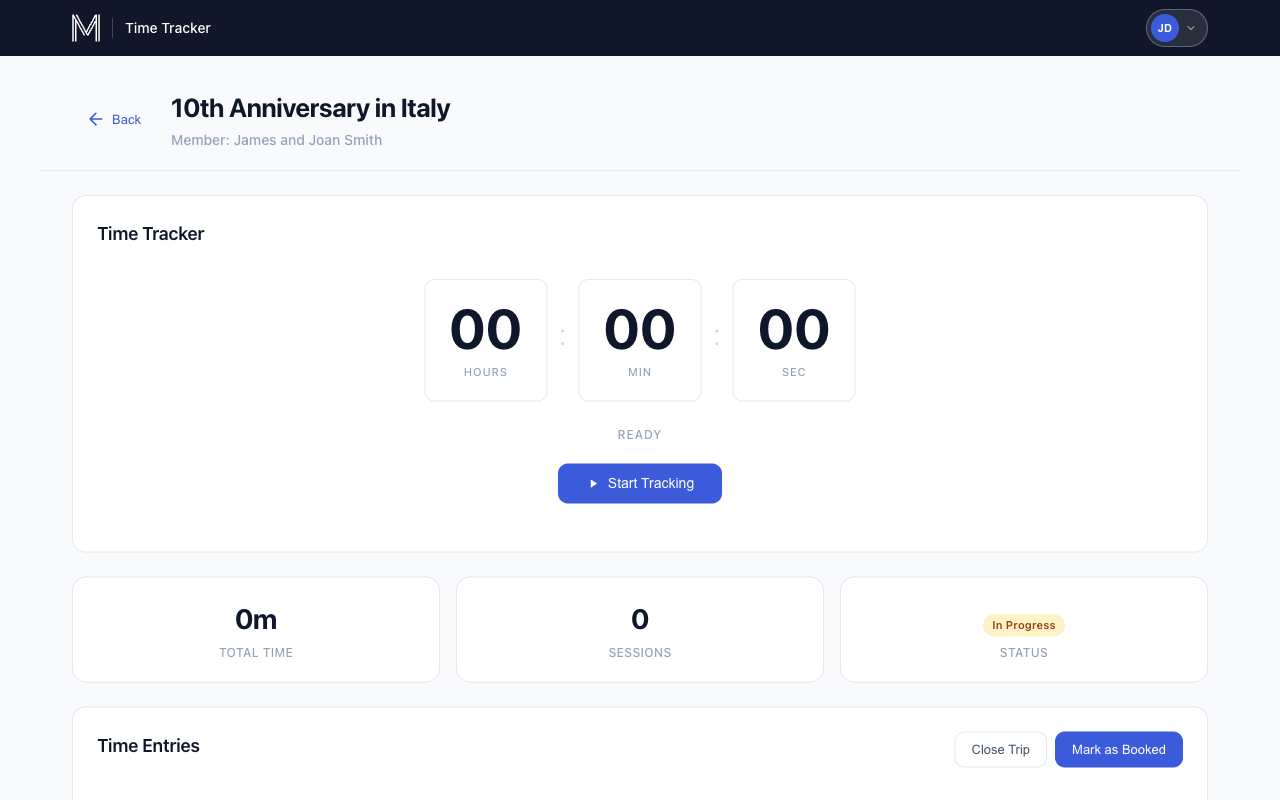
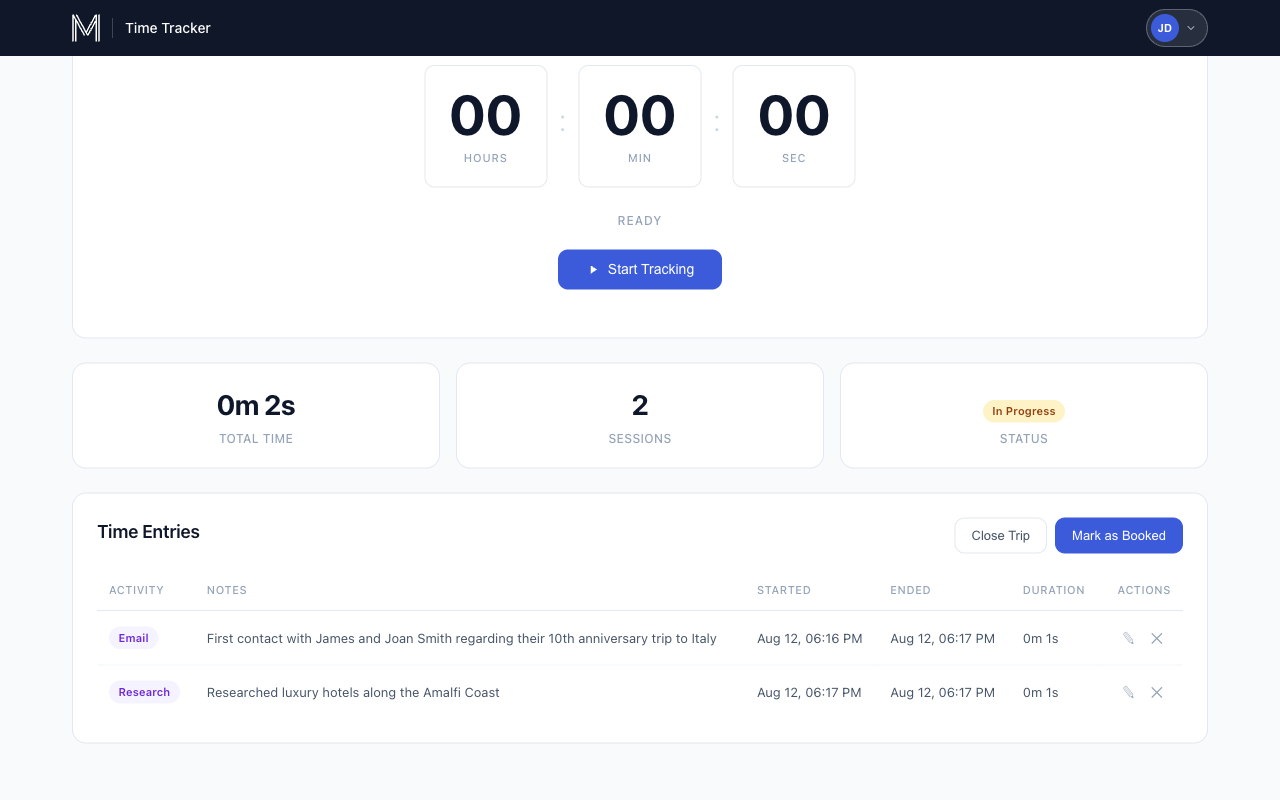
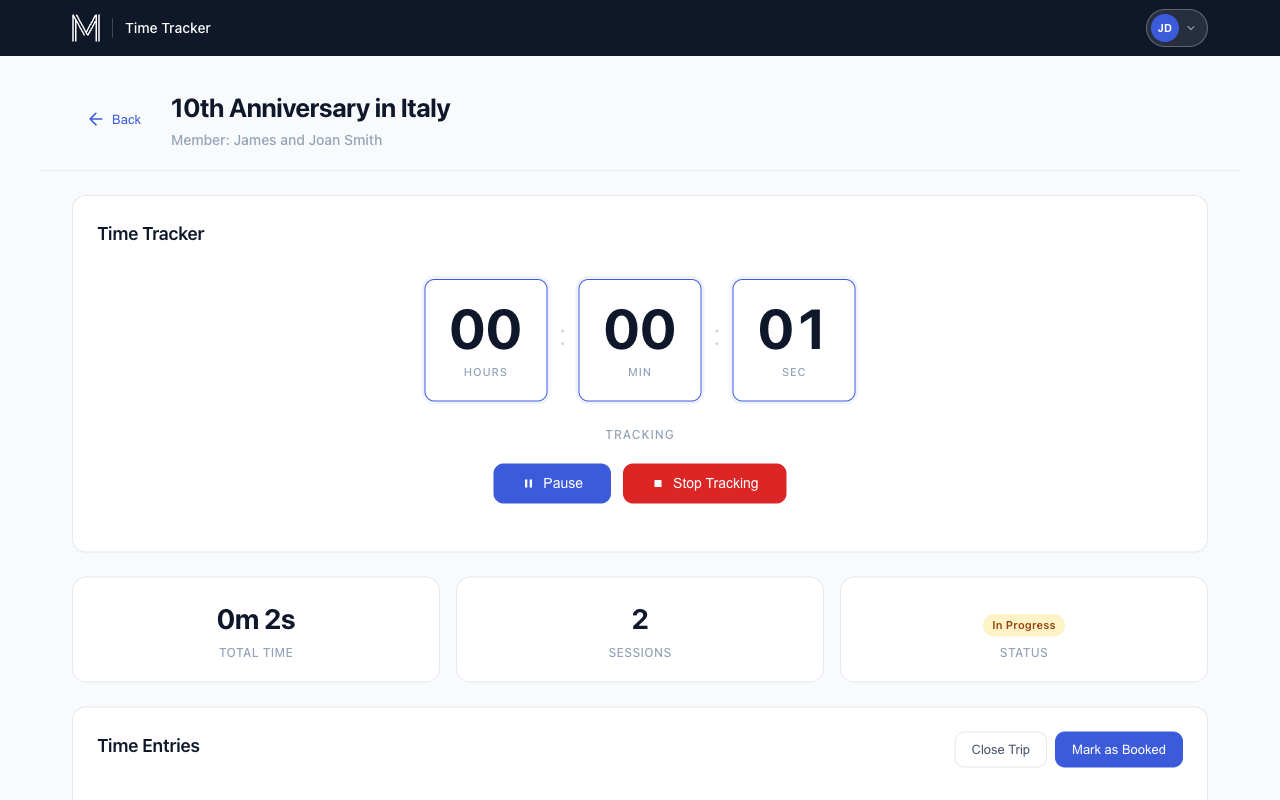
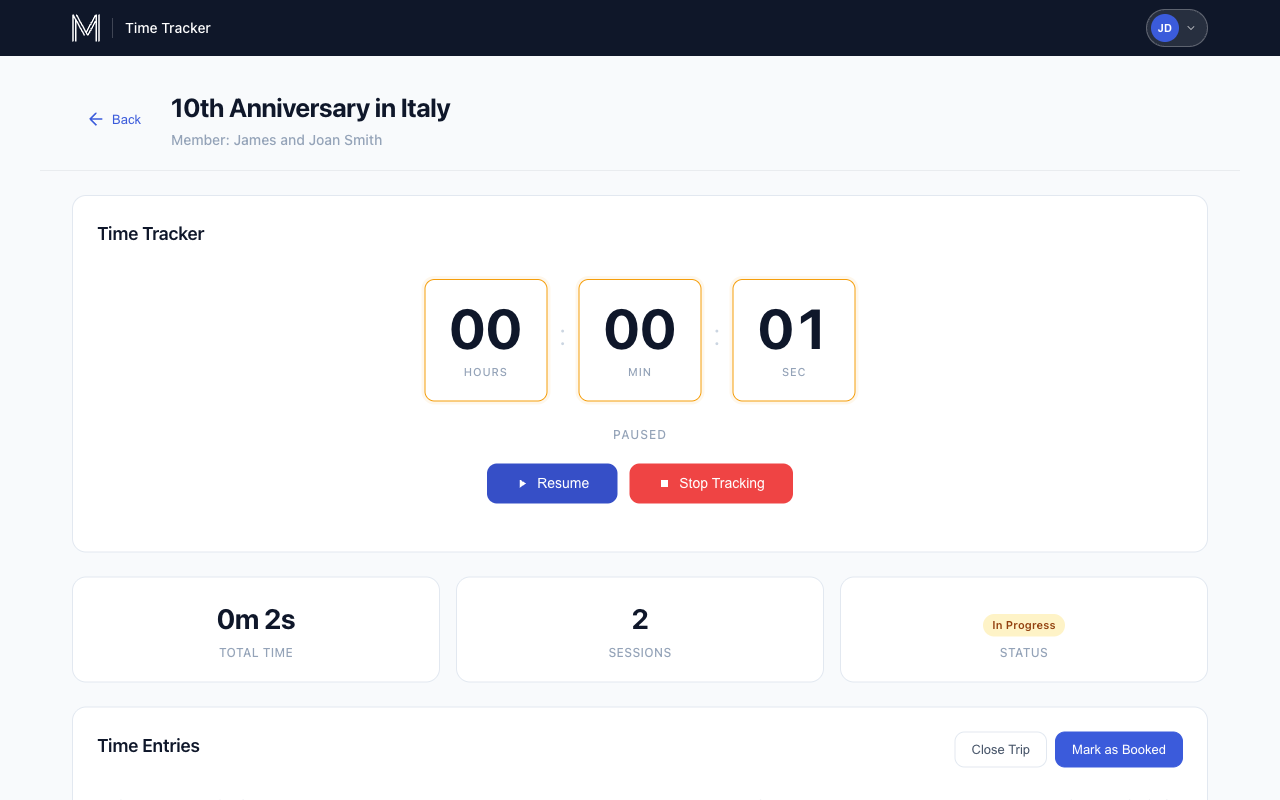
Advisors create a trip when they begin working with a member, then use a built-in timer to track discrete activities like research, booking, vendor coordination, and communication. Each timer entry is categorized by activity type and can include notes for context.
| demo@marchay.com | |
| Password | MCDemo26! |
Note: Data associated with this account is regularly cleared.
What We're Measuring
Activity Types
- Phone Call
- WhatsApp Message
- Internal Communication (Teams, email, etc.)
- Trip Iteration
- Research
- Booking
- Itinerary Planning
- Vendor Coordination
- Documentation
- Travel Arrangements
- Other
Key Metrics
- Total time per trip
- Time breakdown by activity type
- Average time per trip across advisors
- Completion rate (booked vs. closed)
- Common reasons for closing trips
What Counts as "Completed"
- Only trips that are fully booked count as completed
- Closed trips (on hold, not moving forward, etc.) do not count toward the 5-trip goal
- We still track data on closed trips. This tells us where trips fall off and why
How It Works
- Create a trip when they start working with a member
- Track time using the built-in timer: start, pause, and stop as they work
- Log activities after stopping the timer, select what they did and add notes
- Complete or close the trip when finished:
- Mark as Booked: trip resulted in a booking (counts toward goal)
- Close Trip: trip didn't result in a booking (select reason)
Timeline
| Week | Focus |
|---|---|
| Week 1 | Onboarding and first 1-2 trips |
| Week 2 | Continue tracking |
| Week 3 | Continue tracking, complete remaining trips |
| Week 4 | Final trips and wrap-up survey |
Participant Responsibilities
- Track every task for each trip they work on during the pilot period
- Use the timer for all activities related to tracked trips
- Add notes to time entries when helpful
- Mark trips as Booked or Closed when complete
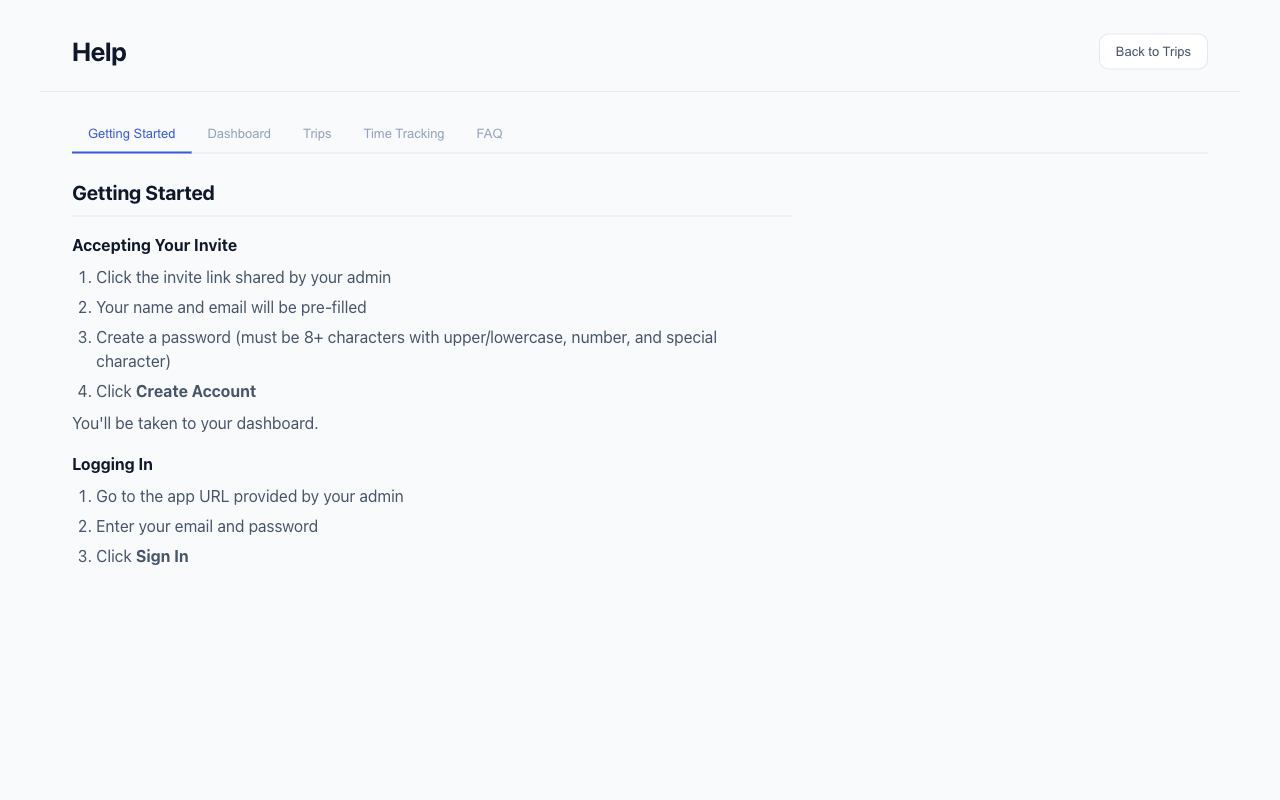
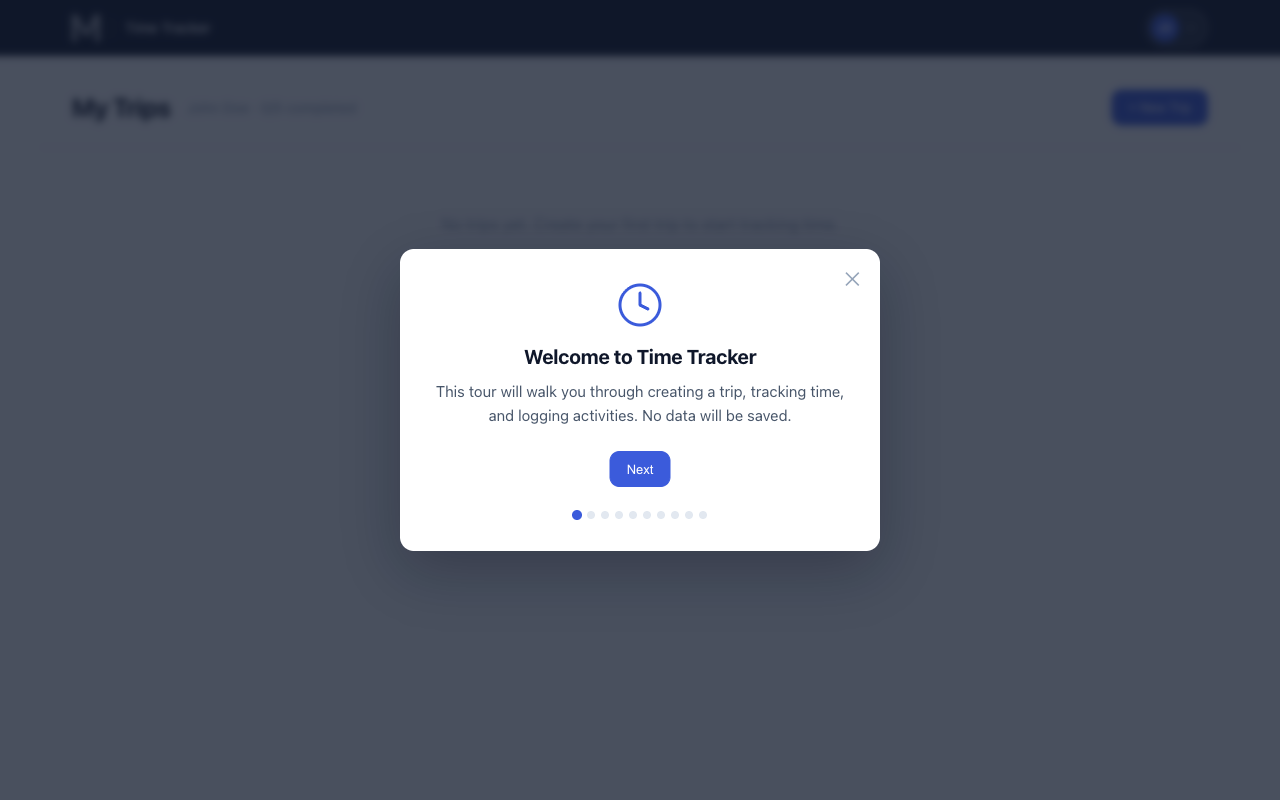
- Reach out if they need help. A process tour and self-serve help guide is available in the app
What We'll Learn
- How much time advisors spend on each phase of a trip
- Which activities consume the most time
- Where bottlenecks exist in the booking process
- Common reasons trips don't result in bookings
- Opportunities to streamline or automate tasks
Data Privacy
- Only the advisor and the admin can see their individual time entries
- All data is aggregated for analysis, no individual performance tracking
- This program is about process improvement, not individual evaluation
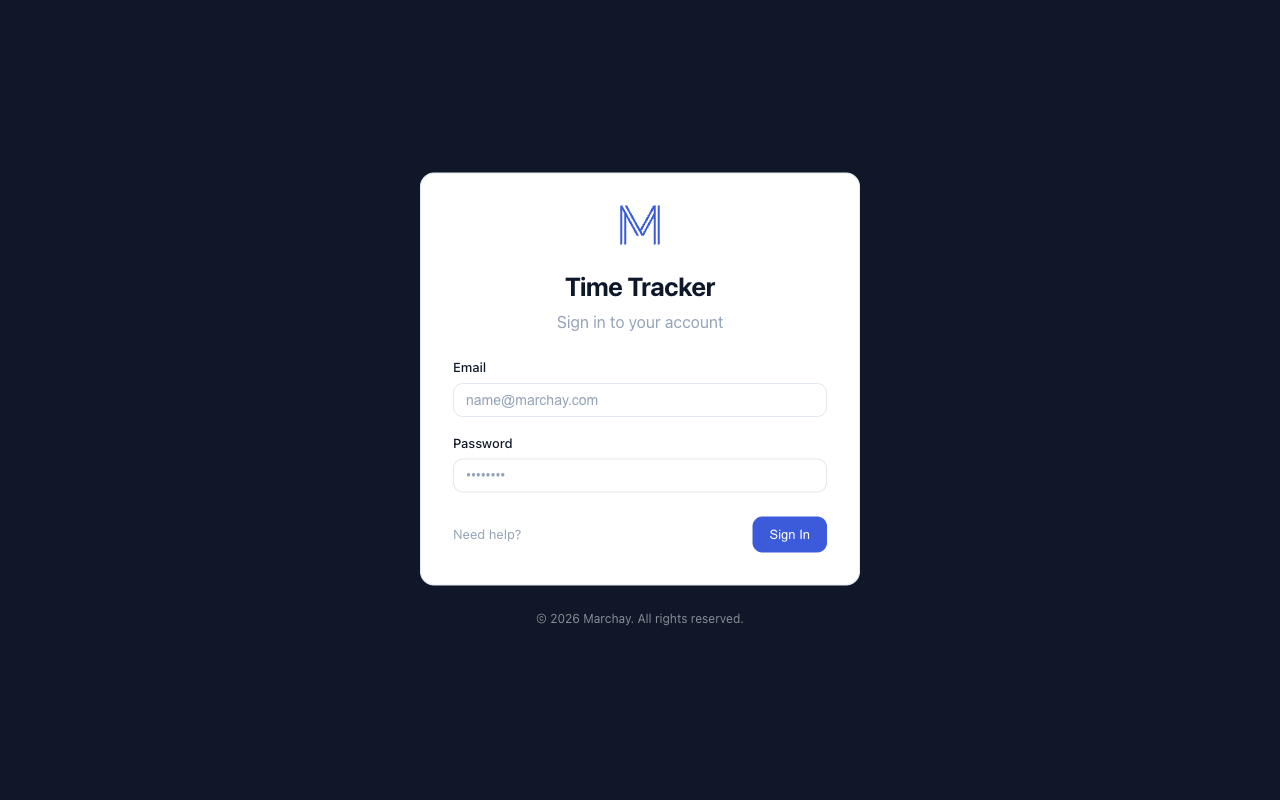
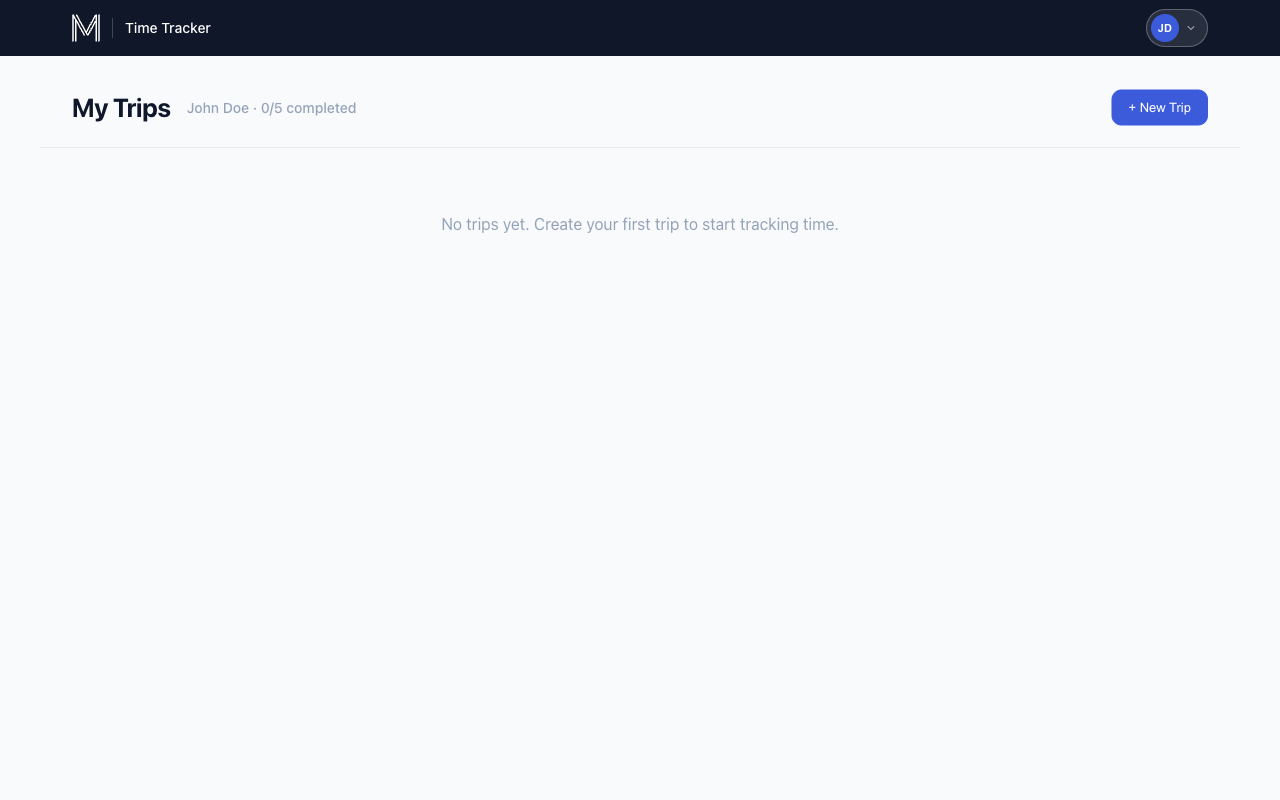
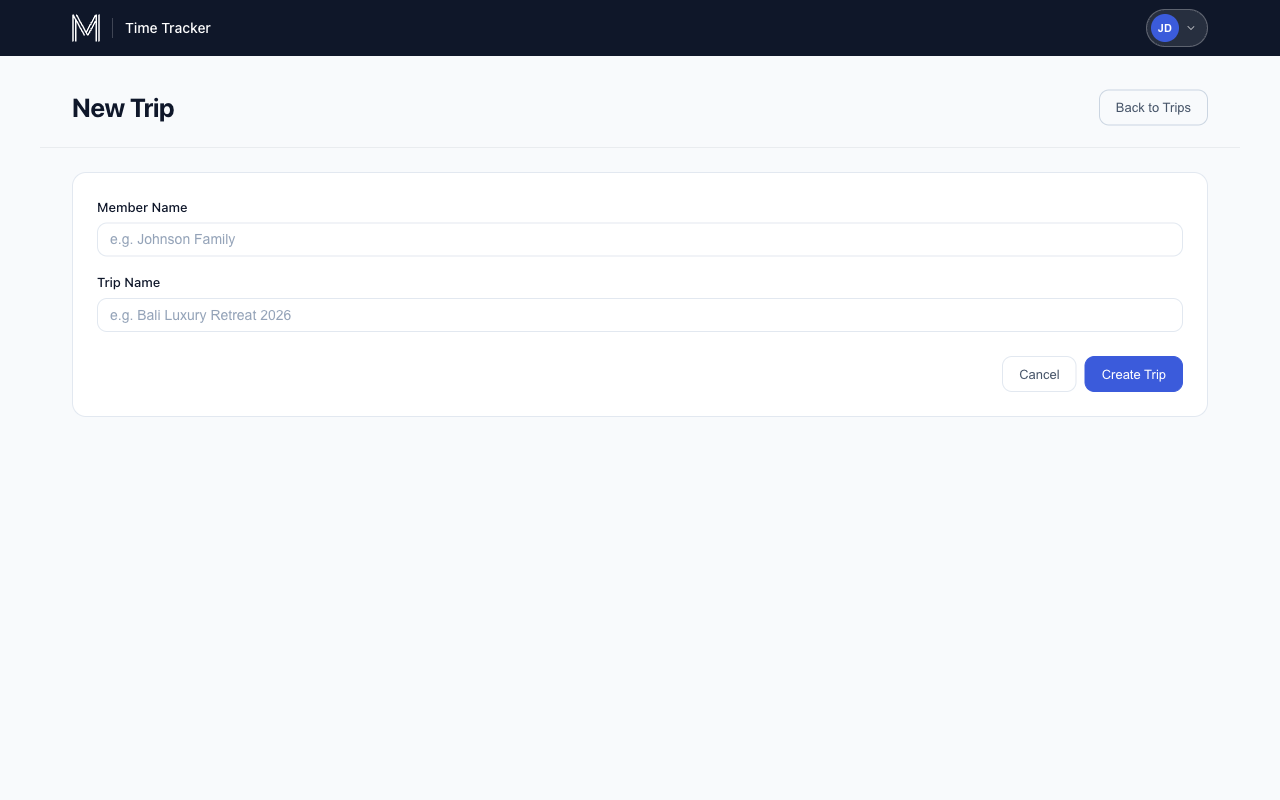
Screenshots
Recordings
| Video | Description |
|---|---|
| App Demo - Tour | Walkthrough of the app features and guided tour |
| App Demo - Workflow | End-to-end workflow: create trip, log initial contact, track research |
| App Demo - Complete Trip | Marking a trip as booked and completing the tracking workflow |
| App Demo - Close Trip | Closing a trip without a booking and selecting a reason |